









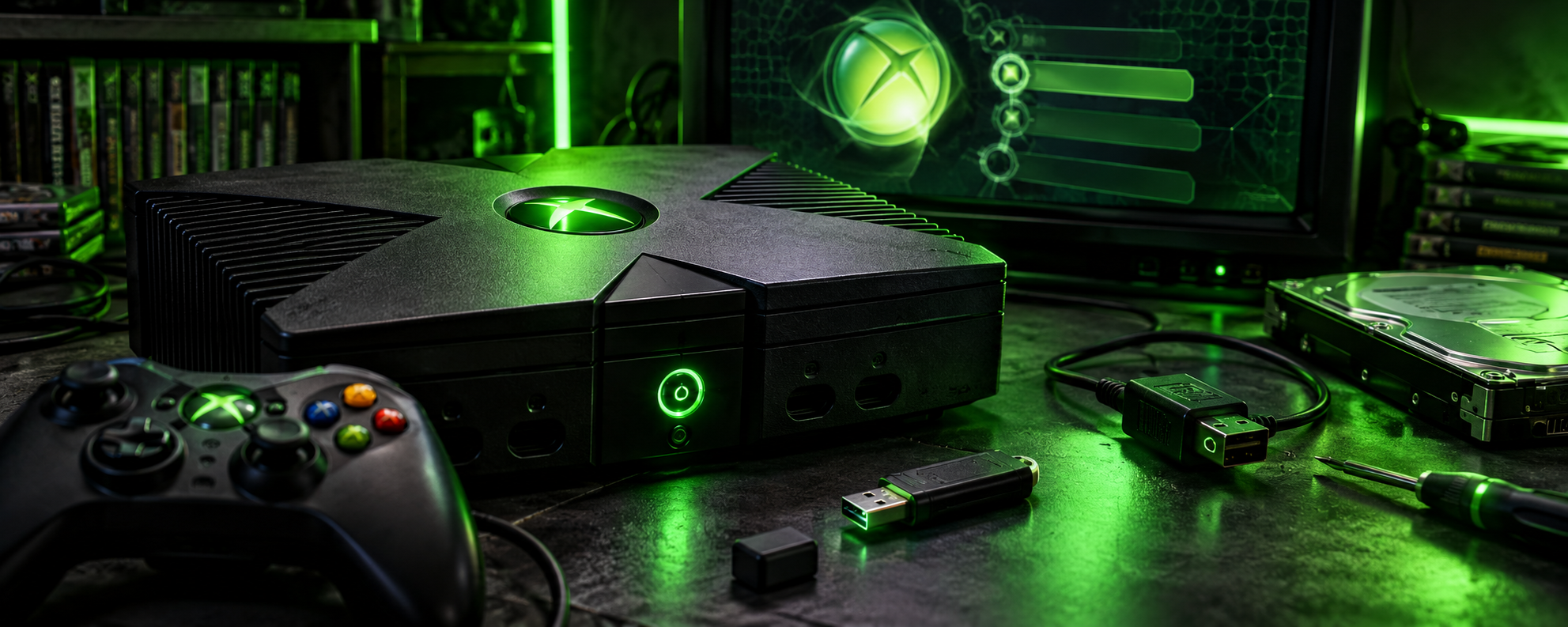
The original Xbox remains one of the most interesting consoles for retro gaming enthusiasts. Released by Microsoft in 2001, it introduced powerful hardware, a built-in hard drive, and a thriving modding scene that continues to this day.
With a softmod, you can unlock additional functionality without installing a physical modchip or soldering to the motherboard. This guide walks you through the preparation, installation, safety precautions, and possibilities available after modifying your console.
What Is an Xbox Softmod?
A softmod uses software vulnerabilities to allow the original Xbox to run unsigned code. This opens the door to alternative dashboards, homebrew applications, emulators, and other community-developed tools.
Unlike a hardware modification, a softmod generally doesn’t require opening the console or soldering components.
Once configured, a modified Xbox can offer features such as:
- Custom dashboards, including UnleashX and XBMC-based interfaces.
- Homebrew applications and emulators.
- File management and FTP access.
- Expanded storage with a compatible replacement hard drive.
- Custom themes, utilities, and game library management.
The exact features available depend on your installation, hardware, and software configuration.
What You Need Before Starting
Prepare the following equipment before modifying your console.
| Item | Purpose |
|---|---|
| Original Xbox | The console you want to modify |
| Windows PC | Downloading and preparing the installation files |
| USB-to-original-Xbox controller adapter | Connecting compatible USB storage |
| Compatible USB flash drive | Transferring the required files |
| Rocky5 Xbox Softmodding Tool | The softmod installer |
| Internet connection | Downloading the software and consulting documentation |
USB compatibility can be unpredictable on the original Xbox. A small flash drive, commonly 4 GB or less, is a good starting point, but compatibility depends on the specific device.
You can find the tool and its documentation here:
- Official project: https://github.com/Rocky5/Xbox-Softmodding-Tool
- Community tutorial: https://consolemods.org/wiki/Xbox:Game_Save_Exploit
- Getting started guide: https://consolemods.org/wiki/Xbox:Getting_Started
Always download installation files from trusted project sources rather than random file-hosting websites.
Step 1: Check Your Console
Before doing anything, connect your Xbox to a television and confirm that it boots normally.
Check the following:
- The console starts without repeated error screens.
- The dashboard loads correctly.
- The controller and disc drive work.
- The console can access its memory-management menu.
If your Xbox already has an older softmod installed, identify it before proceeding. Installing a new softmod over an existing modification without following the appropriate upgrade procedure can cause problems.
Important: If the console has a failing hard drive, frequent boot errors, or an error code, resolve that issue before attempting a modification.
Step 2: Prepare the Installation Files
The Rocky5 Xbox Softmodding Tool supports modern softmodding methods, including the ENDGAME exploit.
On your PC:
- Visit the official Rocky5 GitHub repository.
- Read the current installation instructions and identify the appropriate release package.
- Download the package from the project’s official release or documented download source.
- Extract the archive and locate the ENDGAME installation files described in the documentation.
- Keep the original archive and a copy of your downloaded files until the installation is complete.
Do not mix files from unrelated softmod packages or older tutorials. File layouts and installation procedures can change between releases.
Step 3: Prepare a Compatible USB Device
The original Xbox uses a proprietary controller connection, so a standard USB flash drive cannot normally be plugged directly into the console.
You will need a compatible controller-to-USB adapter.
The general preparation process is:
- Connect the USB drive to your PC.
- Back up anything important on the drive.
- Follow the tool’s documented instructions for preparing the storage device.
- Connect the adapter to an Xbox controller port.
- Open the Xbox Dashboard’s Memory section to check whether the device is detected.
The Xbox may format a compatible USB device when it is first configured. This can erase existing files, so never use a drive containing data you need.
If the device is not recognized, try another compatible flash drive or consult a compatibility list before continuing.
Step 4: Launch the Softmod Installer
Once the USB device and installation files are prepared, follow the ENDGAME installation instructions supplied with the current Rocky5 tool release.
The process uses the exploit to launch the installer through the console’s software environment. The installer then guides you through the available options.
During this stage:
- Follow the on-screen instructions carefully.
- Do not switch off the console during installation.
- Do not remove the storage device while it is being accessed.
- Read every confirmation prompt before accepting it.
- Avoid manually editing system files unless the documentation explicitly instructs you to do so.
The exact screens and sequence can vary depending on the tool version. Use the current documentation rather than relying on screenshots from an older release.
Step 5: Back Up Your EEPROM
One of the most important steps in Xbox softmodding is preserving your console’s EEPROM data.
The EEPROM contains system-specific information, including the hard-drive locking key used by the original Xbox. This information can be essential when recovering from a hard-drive failure or setting up a replacement drive.
Rocky5’s tool includes EEPROM backup functionality.
After installation, use the appropriate backup option and verify that the resulting files have been saved successfully.
Keep multiple copies:
- One on your PC.
- One on an external storage device.
- One in another secure backup location.
Do not publish your EEPROM backup or share it with strangers. It contains console-specific information that should be treated as private.
Step 6: Explore Your New Dashboard
After the installation completes and the console restarts, you should be able to access the installed softmod dashboard.
Depending on your configuration, you may encounter a customized UnleashX interface or another supported dashboard.
Take some time to explore its menus.
Typical options include:
- System settings and console information.
- File management.
- Application launching.
- Network configuration.
- Softmod settings and recovery tools.
Make sure the dashboard launches consistently after a normal restart before making further changes.
Step 7: Add Homebrew and Other Applications
Once your softmod is working correctly, you can explore the original Xbox homebrew ecosystem.
Popular options include:
XBMC4Xbox: A media-centre application that helped establish the original Xbox as a versatile home entertainment device.
XBMC4Gamers: A customized dashboard focused on presenting and organizing a game library.
UnleashX: A lightweight dashboard with system utilities, application launching, and file-management features.
Download applications from their official project pages or trusted community archives. Confirm that each application supports the original Xbox and your intended configuration.
Step 8: Consider a Larger Hard Drive
One of the biggest advantages of a modified original Xbox is the ability to use a compatible replacement hard drive.
The factory drive is limited by modern standards, and a larger drive can provide additional room for applications, homebrew, and legally obtained game backups.
However, this upgrade requires additional planning.
Before replacing the drive:
- Confirm the compatibility of the new drive and any required IDE-to-SATA adapter.
- Check whether an 80-wire IDE cable is recommended for your configuration.
- Read the drive-upgrade instructions for your particular softmod.
- Preserve your EEPROM backup and understand the drive-locking requirements.
- Verify that the partition layout supports the intended capacity.
Do not assume that connecting a new drive is sufficient. The original Xbox has specific drive-locking and partitioning requirements, and an incorrectly prepared drive may prevent the console from booting.
Troubleshooting Common Problems
The USB drive is not detected
Try another compatible flash drive and check the adapter connection. Not every USB device works with the original Xbox.
The installer does not launch
Confirm that the files were extracted correctly and that you followed the instructions for the correct exploit method. Avoid combining files from different releases.
The console boots to an error screen
Record the exact error number before attempting repairs. Some errors indicate hard-drive, clock, dashboard, or other hardware-related problems.
The dashboard fails to load
Avoid deleting files from the original system partition. Consult the recovery instructions for your installed softmod and use its supported repair options where available.
The console will not boot after a hard-drive upgrade
Check drive compatibility, locking requirements, partition preparation, and the relevant installation documentation. Your EEPROM backup may be important for recovery.
Is Softmodding Worth It?
For anyone interested in retro gaming, the original Xbox is still a capable and rewarding platform to modify.
A softmod provides access to a broad range of community software without requiring a hardware modchip. With a reliable installation, a verified EEPROM backup, and careful configuration, the console can become much more flexible than its factory setup.
The most important rule is simple: back up first, follow the documentation for your exact setup, and avoid unnecessary changes to system files.
Whether you want to explore homebrew, experiment with alternative dashboards, or preserve a piece of gaming history, softmodding is a great way to get more out of the original Xbox.
H4CK.SE reminder: Only use game backups that you are legally entitled to use, and respect the rights of game developers and publishers.