




Can NVIDIA’s new DLSS Frame Generation Preset C make Call of Duty: Warzone smoother without sacrificing too much image quality? NVIDIA has introduced a faster Frame Generation model designed to reduce the processing overhead of generating additional frames. For Warzone players chasing higher FPS, this could be an interesting performance upgrade.
With competitive shooters becoming increasingly demanding, every frame matters. But higher FPS isn’t everything. Input latency, frame pacing and image clarity are just as important, especially when every gunfight can decide the outcome of a match.
Let’s look at what Preset C actually does, how to enable it and which settings are worth testing.
What is NVIDIA DLSS Frame Generation Preset C?
NVIDIA DLSS Frame Generation uses artificial intelligence to generate additional frames between traditionally rendered frames.
Instead of relying entirely on your graphics card to render every frame individually, Frame Generation creates intermediate frames to make gameplay appear smoother.
NVIDIA’s new Preset C introduces a faster and lighter Frame Generation model.
According to NVIDIA, Preset C replaces the previous optical-flow AI model with a faster algorithm. The goal is to reduce the processing overhead involved in generating frames while maintaining a good visual experience.
NVIDIA reports that Preset C can deliver up to 35% faster Frame Generation performance on an RTX 5060, although actual results depend on the game and hardware configuration.
The feature supports GeForce RTX 40 Series and RTX 50 Series graphics cards and is being introduced through an NVIDIA App beta update.
Why does Preset C matter for Warzone?
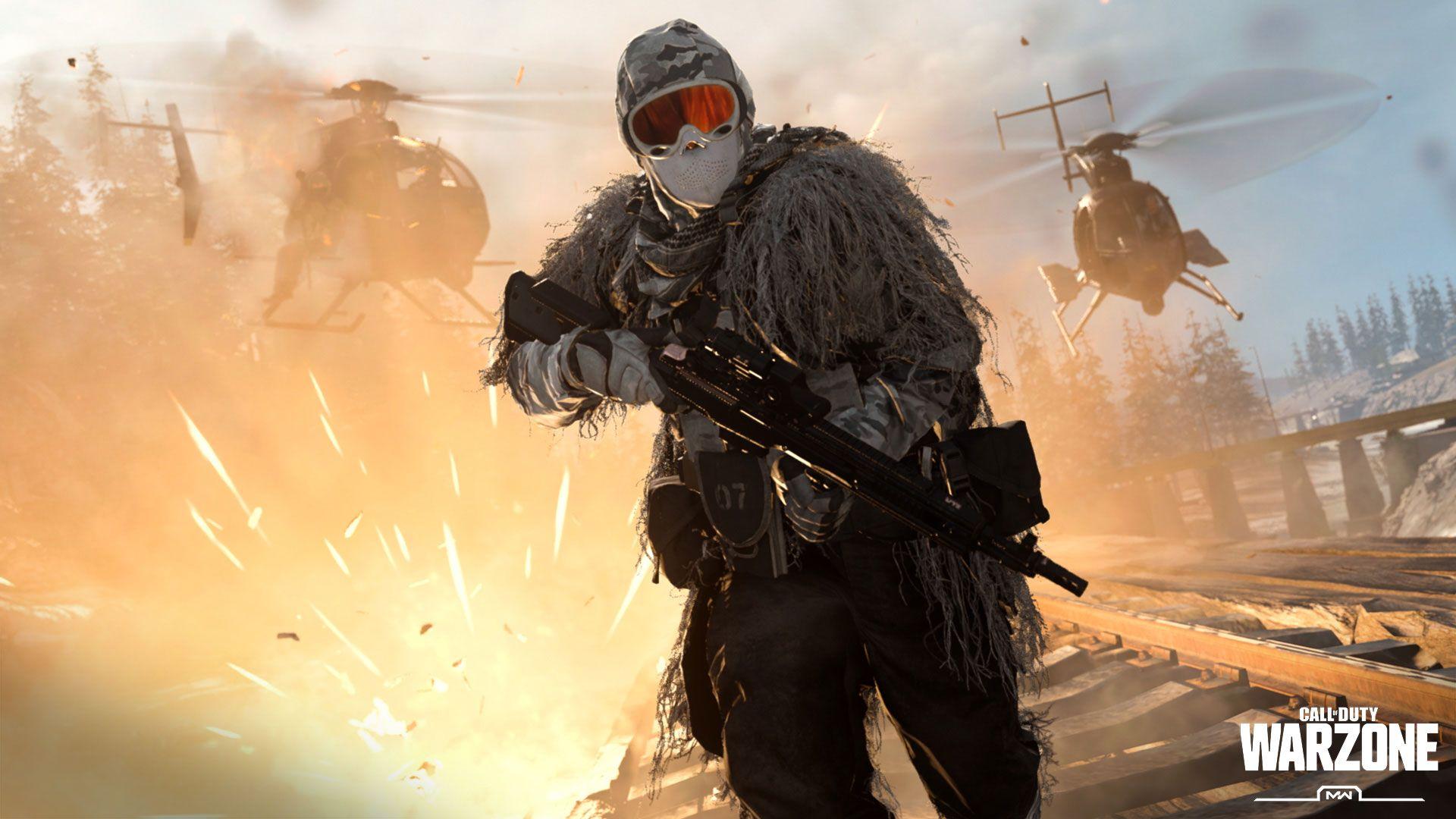
Call of Duty: Warzone is particularly demanding when it comes to CPU and GPU performance.
Large maps, detailed environments, explosions, smoke effects and multiple players can create significant performance fluctuations.
Frame Generation can help increase displayed FPS, making camera movement and animations appear smoother.
Preset C aims to make the frame-generation process itself faster and more efficient.
Potential benefits include:
- Higher displayed FPS.
- Reduced Frame Generation processing overhead.
- Smoother visual movement.
- Better utilization of available GPU performance.
- Improved performance potential on supported RTX graphics cards.
However, there is an important distinction: generated frames do not provide the same responsiveness as traditionally rendered frames. Frame Generation cannot replace strong native FPS.
For competitive Warzone players, this is particularly important.
How to enable NVIDIA DLSS Frame Generation Preset C
Preset C is accessed through the NVIDIA App’s experimental/beta functionality.
Follow these instructions:
Step 1 – Install the NVIDIA App beta
- Open the NVIDIA App.
- Navigate to Settings.
- Open the About section.
- Enable Opt in to access Beta or experimental features.
- Allow the application to download and install the beta update.
Step 2 – Find Warzone in NVIDIA App
- Open the Graphics section.
- Locate Call of Duty: Warzone.
- Select the game’s individual graphics settings.
- Scroll down to Driver Settings.
Step 3 – Enable Preset C
- Find DLSS Override – Model Presets.
- Select Custom.
- Open the Frame Generation dropdown.
- Select Preset C.
- Click Apply.
If Preset C does not appear, NVIDIA recommends restarting your computer.
Step 4 – Configure Frame Generation in Warzone
Launch Warzone and open the graphics settings.
Use the following as a starting point:
| Setting | Recommended |
|---|---|
| NVIDIA DLSS | Quality or Balanced |
| DLSS Frame Generation | On |
| NVIDIA Reflex | On + Boost |
| V-Sync | Off |
| Dynamic Resolution | Off |
| Render Resolution | 100% |
| Display Mode | Fullscreen Exclusive |
These are starting recommendations rather than universal optimal settings. Test Quality and Balanced to find the best combination of image clarity and performance.
Preset C vs traditional Frame Generation
The main difference is the processing model used to generate intermediate frames.
| Feature | Traditional model | Preset C |
|---|---|---|
| Frame Generation | Yes | Yes |
| AI processing | Previous model | Faster, lighter algorithm |
| Processing overhead | Higher | Reduced |
| Image quality | Baseline | Minor trade-offs possible |
| Performance focus | General | Maximum generation efficiency |
Preset C is not a new FPS multiplier. It changes the underlying Frame Generation model.
You still need to configure the actual Frame Generation mode separately.
Does Frame Generation increase input lag?
This is where things get interesting.
Frame Generation increases the number of displayed frames, but those additional frames are generated rather than traditionally rendered.
This means that seeing 180 FPS on your screen does not necessarily mean your system responds like a native 180 FPS configuration.
For competitive shooters such as Warzone, input latency can be more important than the FPS counter.
NVIDIA Reflex helps reduce system latency by optimizing the rendering pipeline and keeping the CPU and GPU better synchronized.
Our recommendation is to combine Frame Generation with NVIDIA Reflex and compare the actual mouse responsiveness against Frame Generation disabled.
If your aim feels delayed or inconsistent, turning Frame Generation off may provide a better competitive experience.
Recommended settings for competitive Warzone players
If your priority is winning gunfights rather than achieving the highest possible FPS number, consider the following:
- Use NVIDIA Reflex On + Boost.
- Keep V-Sync disabled.
- Prioritize stable native FPS.
- Avoid unnecessarily high graphics settings.
- Use DLSS Quality or Balanced if additional GPU performance is needed.
- Test Frame Generation both enabled and disabled.
- Monitor frame times and system latency, not just average FPS.
Remember that a stable 120 FPS can feel better than an unstable 180 FPS with noticeable input delay.
Final thoughts: Is NVIDIA DLSS Preset C worth using?
NVIDIA DLSS Frame Generation Preset C is an interesting development for players looking to squeeze additional performance out of their RTX graphics cards.
Its biggest advantage is reducing the processing overhead associated with Frame Generation. NVIDIA’s claimed performance improvement of up to 35% on the RTX 5060 makes it particularly interesting for users with mid-range RTX hardware.
However, Warzone is a competitive shooter, and higher displayed FPS does not automatically translate into better gameplay.
For casual players, Preset C could be a useful way to achieve smoother visuals. Competitive players should carefully evaluate input latency and image quality before making it part of their permanent configuration.
Our verdict: Preset C is worth testing, particularly if you already use DLSS Frame Generation. Just remember that native FPS and responsiveness should remain your priorities in Warzone.
Have you tested NVIDIA DLSS Frame Generation Preset C in Warzone? Let us know how much FPS you gained and whether you noticed any difference in input latency.