








Notifications
Clear all


Topic starter
14/09/2026 2:07 pm
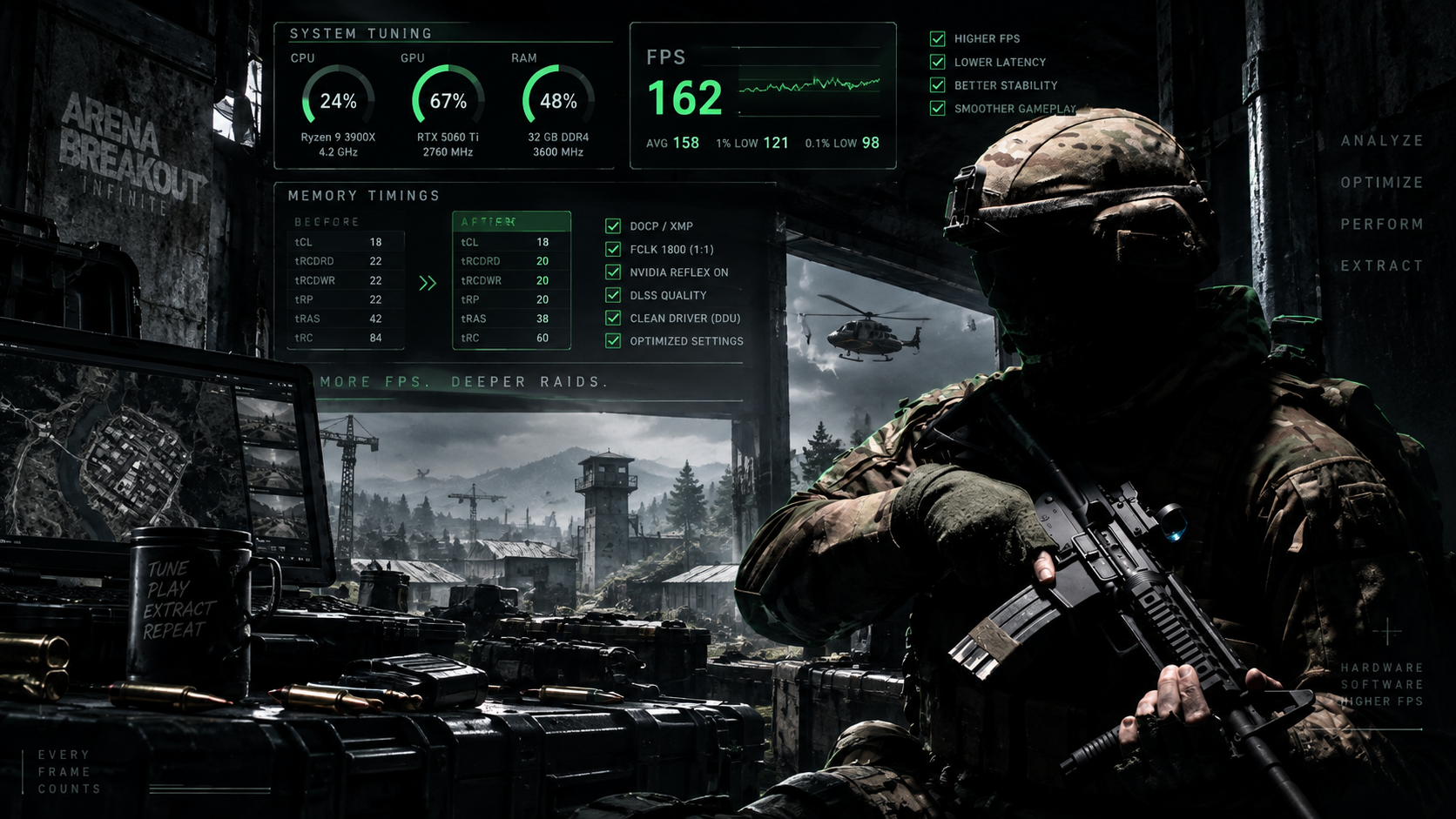
Arena Breakout: Infinite can look fantastic and run at high frame rates, but getting a consistently smooth experience is another story. You might be sitting comfortably at 140+ FPS only to suddenly drop toward 90 FPS in certain areas or during intense fights. I recently went through this exact problem. Instead of simply turning every graphics setting to Low, I started looking at GPU usage, VRAM, DLSS, NVIDIA Reflex, shader cache and RAM performance. The result was noticeably better performance and higher FPS. Here are the changes that worked for me. First: VRAM probably isn't the problem One of the first…
This topic was modified 2 months ago 3 times by enCyde