








A user-friendly softmodding solution packed with recovery tools, advanced settings, and homebrew support.
The original Xbox remains one of the most beloved consoles in gaming history, and its modding community continues to keep the system alive with homebrew applications, custom dashboards, emulators, and countless other possibilities.
However, softmodding an original Xbox can be intimidating for newcomers. Different dashboard versions, EEPROM backups, exploit compatibility, and complicated recovery procedures can quickly turn what should be an exciting project into a frustrating experience.
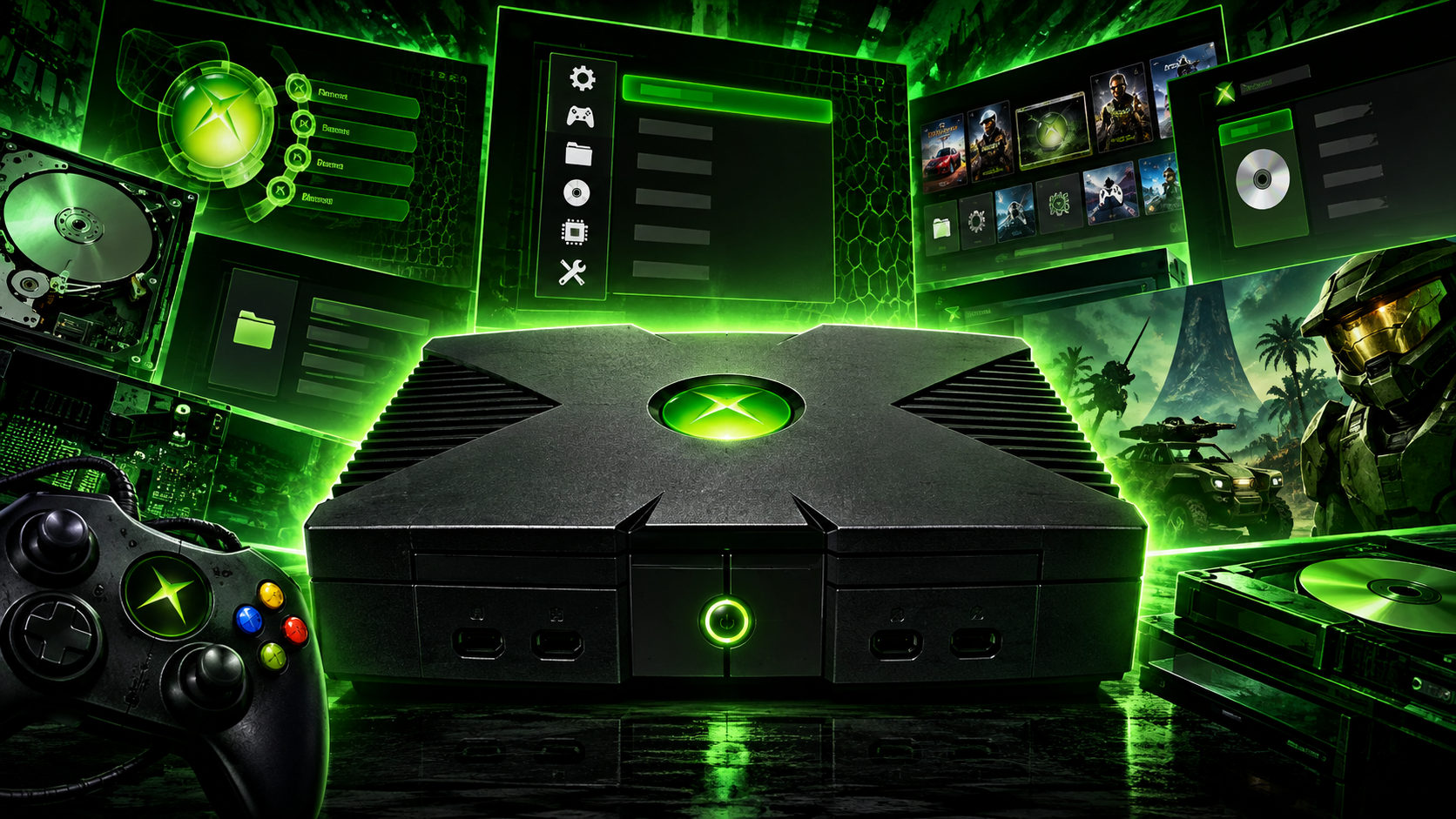
The Xbox Softmodding Tool aims to change that. Designed with simplicity, safety, and flexibility in mind, it streamlines the softmodding process and brings essential tools directly to the console, making it easier for both beginners and experienced Xbox enthusiasts to manage their systems.
A Softmod Designed for Simplicity
One of the biggest advantages of this softmod is that it removes many of the traditional complications associated with modifying an original Xbox.
You don’t need a specific Microsoft Dashboard version, and you don’t have to navigate complicated menus just to back up your EEPROM or determine which installation method is appropriate for your console.
The tool handles much of this process for you, while providing a straightforward settings interface called NKPatcher Settings.
This interface gives users access to system information, configuration options, maintenance tools, and recovery features. Information buttons throughout the menus explain what each section does, helping users understand their options before making changes.
The goal is simple: make Xbox softmodding more accessible without sacrificing functionality.
Built with Recovery and Safety in Mind
Softmodding always carries some risk, particularly when modifying system files or changing hard drive configurations. This tool addresses many common problems with built-in recovery options and protective features.
It includes recovery dashboards and safeguards designed to help users restore their setup if a dashboard is accidentally removed or the E partition is formatted.
The softmod also supports 24 dashboard installation locations, covering the locations used by other softmod installations. This provides additional flexibility when upgrading or migrating from an existing setup.
Other recovery and maintenance features include:
- Repairing missing dashboards directly from the Xbox.
- Repairing the softmod without requiring a computer.
- Restoring a default factory-state setup.
- Upgrading older softmods.
- Updating the softmod backend without replacing existing dashboards.
- Built-in recovery access if the dashboard stops working.
A dedicated recovery shortcut is also available: holding Start + Y during startup opens a recovery pathway if the dashboard is broken.
Important: The tool provides substantial protection, but no softmod is completely risk-free. Avoid modifying the real C partition unless you understand exactly what you’re doing. If you encounter a folder named “Do not touch anything in here”, treat it as a warning to leave those protected files alone.
Main Features at a Glance
The Xbox Softmodding Tool includes a broad selection of features for everyday use, advanced configuration, and long-term console maintenance.
- Support for all original Xbox hardware versions.
- Support for the Endgame exploit and currently supported exploitable games, including Tony Hawk’s Pro Skater 4 as stated by the project.
- No requirement for a particular Microsoft Dashboard version.
- Ability to run unsigned code, including homebrew applications.
- Mandatory ShadowC protection with an increased 485 MB ShadowC partition.
- Dual-boot support for alternative dashboards.
- Virtual disc drive functionality.
- Persistent Softmod Mode.
- Multiple built-in dashboard locations.
- Dashboard load-order information.
- Custom dashboard launching through controller buttons.
- Support for Xbox hard drive partition tables.
- Configurable fan speed and LED colour.
- Video region switching between PAL and NTSC.
- EEPROM backup and management tools.
- Automatic clock configuration to help prevent recurring clock-reset issues.
- A compact installation designed to leave room for applications and games.
Together, these features make the tool more than just an installation method. It provides a complete environment for managing and maintaining a modified original Xbox.
NKPatcher Settings: Control Your Xbox from One Menu
NKPatcher is the second stage of the softmod. After the NDURE exploit runs, NKPatcher patches the Xbox kernel to enable unsigned code and additional system functionality.
The accompanying NKPatcher Settings application provides a centralized interface for managing these features.
1. Dashboard Management
The dashboard settings allow you to back up, restore, or move a clean copy of UnleashX, as well as manage existing dashboards.
Dual-boot functionality allows you to start an alternative dashboard by powering on the console with the eject button, provided dual boot is enabled and configured.
Users can also manage the dual-boot configuration file or restore its default version.
2. EEPROM and System Information
The EEPROM section provides access to the Xbox Softmod Tool Kit for backing up the EEPROM and other Xbox information.
The EEPROM is particularly important because it contains system-specific information used by the console, including information relevant to hard drive locking.
Advanced options include changing the hard drive key to a known value and relocking a compatible drive. The tool also provides system language and video-region configuration options.
Always keep a verified EEPROM backup before making changes to your hard drive or EEPROM settings. Changing a hard drive key or relocking a drive incorrectly can prevent the console from booting normally.
3. Persistent Softmod Mode
Persistent Softmod Mode is designed to ensure that games continue to run under the softmod rather than bypassing it during normal retail-game launches.
This can provide access to features such as in-game reset functionality across original games and help reduce the chance of losing softmod functionality.
The settings menu allows users to enable or disable this mode according to their preferences.
Because this feature involves a controlled system state, users should follow the project’s instructions carefully and avoid removing or modifying protected files on the real C partition.
4. Hard Drive and Partition Management
The tool includes configuration options for Xbox hard drives, including partition layout and folder creation.
Users can choose between the standard F partition configuration or an F and G partition arrangement, depending on the drive and intended setup.
The built-in partition tools also help prepare storage locations for applications, emulators, games, and homebrew software.
Available options include:
- Creating standard application and game folders on the E partition.
- Populating the F partition with the same folder structure.
- Populating the G partition when available.
- Configuring supported partition layouts.
Correct partition configuration is especially important when using larger replacement hard drives. Make sure the partition table and formatting are compatible with the drive and the tools you use.
5. Kernel Fonts and Boot Configuration
The kernel font section displays information about the font currently used by the NDURE exploit.
Users can install a kernel-specific font if necessary, restore the generic font, configure XTF font-delay files, and back up the Xbox BIOS to the designated backup folder.
These options can be useful when troubleshooting certain boot-related issues, although they are generally intended for users who understand the implications of changing system-level files.
6. Fan Speed, LED Colour, and Video Settings
Customization extends beyond software and storage.
NKPatcher Settings includes fan-speed adjustment and LED colour configuration, allowing users to personalize parts of the console’s behaviour.
Video options include:
- Default video mode.
- Forced progressive output.
- Forced VGA output on compatible hardware and displays.
- Flicker-filter adjustments for interlaced video signals.
Video-region settings also allow switching between PAL and NTSC configurations. NTSC settings can enable supported HD output modes when using compatible component video hardware, while PAL may be necessary for certain region-specific games.
Some modes have hardware and compatibility limitations, particularly on version 1.6 consoles. Results can also depend on the display, cables, and game being used.
Custom Dashboard Shortcuts
For users who want faster access to specific applications or dashboards, the tool supports up to eight custom boot locations, each assigned to a controller button.
The supported buttons are:
- A
- B
- X
- Y
- Start
- Back
- White
- Black
These shortcuts can be configured through the corresponding .cfg files in the Dashloader configuration directory:
E:/UDATA/21585554/000000000000/nkpatcher settings/dashloader/
By editing the relevant configuration file and specifying the absolute path to the desired executable, users can configure a custom launch destination.
This is particularly useful for enthusiasts who regularly switch between dashboards, emulators, or other applications.
A Built-In Collection of Xbox Applications
Another major advantage is the collection of utilities and additional software available through the Xbox Softmodding Tool Extras Disc.
Rather than requiring users to locate every application separately, the extras collection provides a convenient starting point for expanding a modified console.
Dashboards
Supported dashboard options include:
- UnleashX
- Avalaunch
- EvolutionX
- XBMC4Gamers
- XBMC4Xbox 3.5.3
- XBMC-Emustation
- UIX Lite
- Microsoft Dashboard
These dashboards offer different interfaces and approaches to organizing games, applications, media, and system settings.
Applications and Utilities
The included application selection features tools such as:
- DVD2Xbox
- EEPROM Backup Tool
- Enigmah-X
- Dashloader Customizer
- NKPatcher Shortcut
- Xored Mini Launcher with 882 trainers
- Chimp 261812
- ConfigMagic v1.6.1
- XBPartitioner
- XBP Table Writer
- File Manager
- Clear the Xbox Cache
Additional options include DVDX v2, an advanced menu, and utilities for managing the system.
The collection also provides access to features for installing audio folders and managing other aspects of the console environment.
Availability and compatibility can depend on the installed version and the particular console configuration.
Upgrade, Restore, and Maintain Your Console
The tool is also designed to simplify long-term maintenance.
Users can upgrade from the developer’s older 2014 softmod, move from other softmod solutions, install a clean softmod, or update an existing installation to a newer release.
The update process is designed to refresh the softmod backend without touching existing dashboards.
A factory-state restoration option can reinstall the softmod-related save files and UDDAE exploit, allowing the console to be softmodded again without needing to rely on an exploitable game, provided the required files and installation conditions are met.
There are also options for clearing the Xbox cache, managing modules, and accessing UnleashX settings for network and video configuration.
For newcomers, this is a particularly valuable advantage: many common maintenance and recovery tasks can be performed directly on the console, without requiring FTP access or extensive technical knowledge.
Is This Softmod Worth Using?
For anyone interested in keeping an original Xbox alive, this tool offers an appealing combination of accessibility, flexibility, and recovery features.
Beginners benefit from the guided interface, automatic EEPROM backup workflow, and built-in repair options. Experienced users can take advantage of custom dashboard paths, advanced hard drive settings, video configuration, and the included software collection.
Its emphasis on recovery is particularly noteworthy. Instead of treating installation as a one-time process, the tool provides options for maintaining, repairing, and upgrading the console over time.
As with any system modification, it is important to make backups, verify compatibility, and understand the risks before changing critical system files or hard drive settings.
Final Verdict
The Xbox Softmodding Tool aims to make original Xbox softmodding less intimidating without removing the advanced features that enthusiasts expect.
With broad hardware support, NKPatcher Settings, dashboard management, EEPROM tools, custom boot shortcuts, and an extensive collection of homebrew utilities, it offers a convenient foundation for building a personalized Xbox setup.
Whether you’re preparing your first softmodded console or upgrading an existing installation, its focus on ease of use and built-in recovery makes it a compelling option to explore.
The original Xbox is still capable of far more than its factory software allows. With the right tools, it can continue to deliver an impressive homebrew and retro-gaming experience for years to come.
Always follow the official project documentation for installation instructions, compatibility details, and recovery procedures. Back up your EEPROM and important files before making changes.
DOWNLOAD