



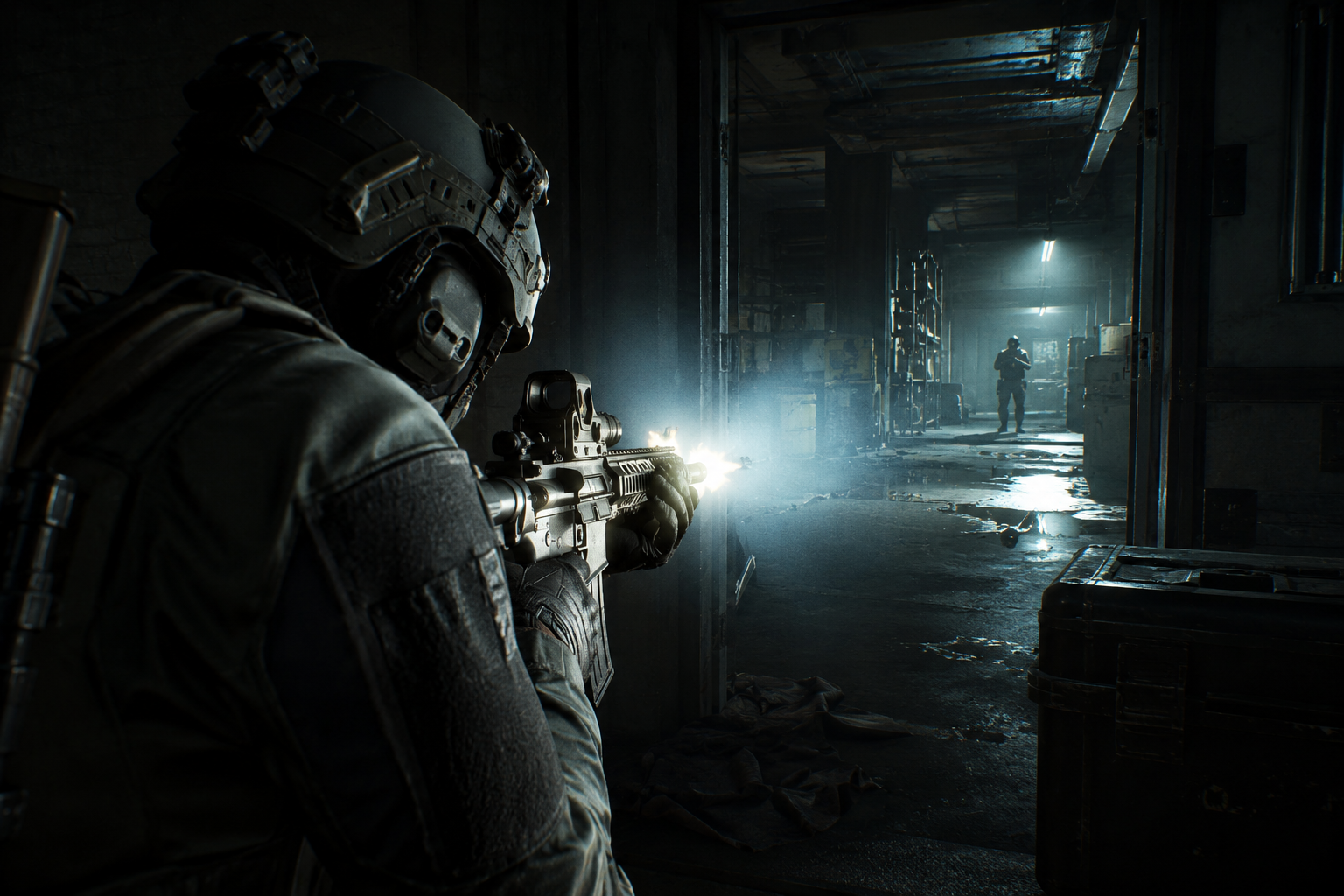
Dark buildings, underground areas and poorly lit rooms can be some of the most dangerous places to fight in Arena Breakout: Infinite. Being able to see your target quickly can make the difference between winning a close-range fight and getting sent back to the lobby.
Fortunately, there is a simple control-setting trick that allows you to make your flashlight activate when you start shooting.
It doesn’t require any special equipment or complicated setup — just a change to your key bindings.
How to Make Your Flashlight Activate When Firing
The trick works by assigning Enable/Disable Tactical Equipment to the same button you use for Primary Fire.
Step 1 — Open Settings
Launch Arena Breakout: Infinite and open the Settings menu.
From there, navigate to the Controls section where you can customize your keyboard and mouse bindings.
Step 2 — Find Tactical Equipment
Look through the controls until you find:
Enable/Disable Tactical Equipment
This is the command used to toggle tactical equipment such as your weapon-mounted flashlight.
Step 3 — Bind It to Primary Fire
Set Enable/Disable Tactical Equipment to the same button you use for Primary Fire.
Once you’ve done this, your flashlight can activate when you fire your weapon.
How to turn it off? just hit the check fire mode keybind and click to shoot.
The result is particularly noticeable when entering dark areas or fighting inside buildings. Instead of having to remember to turn your flashlight on before engaging, it can be activated alongside your shooting input.
Why Use This Trick?
There are several situations where automatic flashlight activation can be useful.
Close-quarters combat is probably where you’ll notice the biggest difference. When an enemy suddenly appears around a corner, there may not be enough time to activate your flashlight manually before returning fire.
It can also help when fighting in:
- Dark buildings
- Underground areas
- Warehouses
- Stairwells
- Tunnels
- Other low-light environments
The extra illumination can make enemies easier to spot, especially during fast and chaotic fights.
But There’s a Catch
There is an important downside.
A flashlight can also reveal your position.
While the light helps you see, enemies can see it too. In a dark environment, a bright flashlight moving through a doorway or corridor can immediately tell another player where you’re located.
This means the setting isn’t necessarily ideal for every playstyle.
If you’re trying to stay stealthy or hold an angle without revealing your position, you may want to keep the flashlight disabled and activate it manually when needed.
Is It Worth Using?
If you frequently find yourself fighting in dark areas, this is definitely a setting worth experimenting with.
It provides a quick way to illuminate your surroundings without requiring an additional button press during a firefight. For aggressive players who frequently push buildings and engage enemies at close range, it can be particularly useful.
However, players who prefer a slower and more tactical approach may want to avoid automatic activation because of the additional visibility it gives to enemies.
Final Thoughts
Sometimes the smallest control changes can make a noticeable difference in Arena Breakout: Infinite.
Binding Enable/Disable Tactical Equipment to your Primary Fire button gives you a way to automatically activate your flashlight when engaging enemies. It can improve visibility during close-range fights and make dark environments easier to navigate.
Just remember: if you can see the flashlight, your enemy probably can too.
Try the setting for a few raids and see whether it fits your playstyle.
Thanks!