












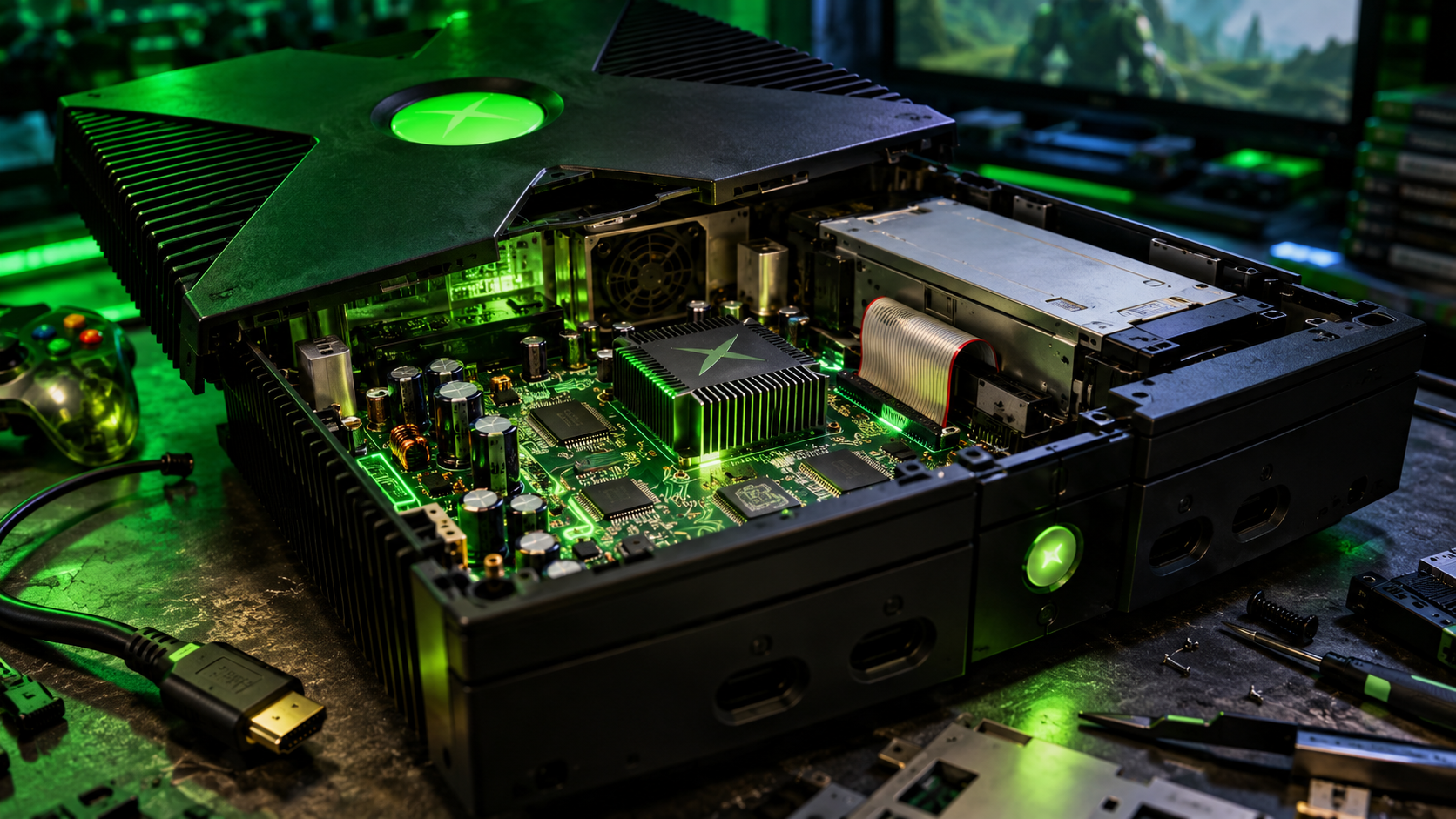
The original Xbox is more than two decades old, but Microsoft’s first gaming console continues to attract a dedicated community of modders, hardware enthusiasts and retro gamers. From modern HDMI output and massive storage upgrades to custom cooling, additional memory and fully modified BIOS setups, there are plenty of ways to bring this classic machine into the modern era.
A comprehensive resource shared by the r/originalxbox community brings together an extensive collection of hardware modifications, installation guides, parts sources and technical documentation. The guide covers everything from basic maintenance to advanced motherboard modifications.
For anyone looking to restore, upgrade or customise an original Xbox, it’s an excellent starting point.
Keeping the original Xbox alive
Before installing new hardware, the most important step is ensuring that the console is healthy.
Age-related problems can affect the original Xbox’s capacitors, motherboard traces, thermal performance and power circuitry. A console that still starts up today might nevertheless have components that need attention.
The community resource recommends several maintenance tasks:
- Clean the console: Remove accumulated dust and inspect the motherboard and cooling components.
- Replace thermal paste: Refresh the thermal interface between the CPU, GPU and their heatsinks.
- Inspect the capacitors: Look for leaking or bulging components and consider a recap where necessary.
- Check for trace corrosion: Certain motherboard revisions are susceptible to damaged traces, which can cause problems with the power and eject buttons.
- Inspect the cooling system: Check the fans, heatsinks and airflow before adding more hardware.
The clock capacitor deserves particular attention. On original Xbox revisions 1.0 through 1.4, a leaking clock capacitor can damage nearby motherboard areas. Revision 1.6 is different, and its clock capacitor must remain installed for the console to operate correctly.
Reference: ConsoleMods Wiki — Clock Capacitor
1. Better cooling and temperature monitoring
Cooling modifications are among the most practical hardware upgrades for an ageing console.
The resource lists several options, including replacement fans, GPU fan adapters, additional heatsinks for memory chips and the southbridge, and dual-fan configurations.
A quieter 70 mm or 80 mm fan can reduce noise, while additional heatsinks can help manage heat around selected components. Some modifications require 3D-printed brackets or changes to the original internal mounting hardware.
Temperature monitoring is another option. Small digital displays and temperature probes can provide a way to monitor CPU or GPU heatsink temperatures.
However, bigger fans and extra heatsinks are not automatically better. Compatibility, clearance, airflow and secure mounting all matter. Some upgrades also require removing the DVD drive or modifying the console’s internal structure.
2. Upgrade the original Xbox to 128 MB or 256 MB RAM
The original Xbox shipped with 64 MB of RAM. Enthusiasts can modify the motherboard to support 128 MB, with advanced projects also enabling 256 MB.
These upgrades require soldering additional memory chips onto the motherboard and are not beginner-friendly.
The benefits depend on the software being used. Extra RAM does not improve performance in most standard retail games, but it can be useful for certain emulators, homebrew applications and development projects.
The 256 MB modification is particularly interesting for enthusiasts exploring the console’s technical limits.
Useful resources:
3. Modchips and the open-source ModXO project
Hardware modchips open up additional possibilities for the original Xbox.
Depending on the hardware and firmware configuration, a modified console can run homebrew software, custom BIOS firmware and applications that are not supported by the stock system.
The community resource highlights ModXO, an open-source, Raspberry Pi RP2040-based modchip project. Its documentation includes project files, hardware information and installation resources.
Installing a modchip generally requires soldering connections to the motherboard. The correct installation points depend on the console’s hardware revision, so identifying the motherboard before starting is essential.
For those who prefer a less invasive approach, software-based modification may be a better starting point.
Project resources:
4. Massive storage upgrades: SSDs and large hard drives
Storage is one of the most useful upgrades for anyone building a dedicated retro-gaming machine.
The community resource discusses configurations involving SSDs and very large hard drives, including theoretical setups reaching several terabytes. Such capacities depend on the complete hardware and software configuration and should not be assumed to work as a simple plug-and-play upgrade.
The original Xbox uses an IDE/PATA storage interface. Installing a modern SATA drive therefore requires a compatible SATA-to-IDE adapter, appropriate drive configuration and compatible firmware.
An SSD can reduce mechanical noise and eliminate moving parts, although loading-time improvements may be limited by the console’s older interface. A large mechanical drive remains an option for users who prioritise capacity.
Before replacing the original drive, back up important data and preserve the console’s required security information. Drive locking, partitioning, BIOS compatibility and large-drive support all need to be considered.
Useful resources:
5. CPU upgrades: pushing the hardware beyond stock specifications
For enthusiasts who want to go much further, the resource covers CPU modifications that can raise the original processor’s clock speed from its stock 733 MHz to 1 GHz or even 1.4 GHz.
These are advanced projects involving processor compatibility, custom interposer hardware, physical installation work and voltage considerations.
The benefits are not universal. Original Xbox games were developed around the console’s intended hardware, and changing CPU speed can cause compatibility problems when games depend on expected timing. The community resource therefore recommends considering a way to switch between clock speeds.
These modifications are best suited to experienced hardware enthusiasts who understand the risks of motherboard-level work.
Technical resources:
6. HDMI output for modern televisions and monitors
One of the most attractive upgrades is giving the original Xbox a more convenient connection to modern displays.
The resource highlights two options:
XboxHD+ by MakeMHz is an internal HDMI solution that takes the console’s video signal and provides a digital output. It is a more involved installation that requires considerable soldering experience.
ElectronXout is another option for bringing HDMI connectivity to an original Xbox.
The best choice depends on the console revision, desired video features, budget and willingness to perform internal modifications. Buyers should check compatibility and purchase from the relevant official source.
7. USB controllers and modern connectivity
The original Xbox uses proprietary controller ports, but adapters and custom hardware can bridge the gap between its connectors and USB-based devices.
The resource includes projects such as OGX-Mini, OGXHUB and other controller conversion solutions. Depending on the hardware and firmware, these can make it easier to use compatible modern controllers.
There are also projects exploring USB-C power connections, although the resource describes the relevant USB-C project as still being developed or tested. It should therefore be treated as an experimental option rather than a universally available replacement power supply.
Useful links:
8. Softmods, TSOP flashing and DVD-drive removal
Not every modification requires installing a dedicated modchip.
A softmod uses a software exploit to enable additional functionality without installing a physical modchip. Depending on the setup, this can provide access to homebrew applications, emulators and alternative system software.
Another approach is TSOP flashing, which replaces the onboard BIOS firmware on supported motherboard revisions. It requires careful preparation because an incorrect flash can leave the console unable to boot normally.
The resource also covers DVD-drive elimination. This modification removes the optical drive and replaces it with suitable mounting hardware and an appropriate drive-presence solution. Compatible modified BIOS firmware is required, and not every setup will support the same configuration.
These are distinct approaches with different requirements, so it is worth choosing a method based on the console’s motherboard revision and intended use.
Useful resources:
- ConsoleMods Wiki — ENDGAME softmod
- ConsoleMods Wiki — TSOP flashing
- Xbox DVD-drive elimination project
9. Custom cases, LEDs and aesthetic modifications
Not every upgrade needs to change how the console runs games.
The community resource also collects ideas for customising the appearance of the original Xbox, including:
- Transparent or windowed cases.
- Interior LED lighting.
- Illuminated controller ports.
- Custom ring-of-light effects.
- Hard-drive activity LEDs.
- A window that reveals the optical disc spinning inside the drive.
- Replacement or 3D-printed case feet.
Some modifications are relatively simple, while others involve cutting the original shell, soldering electrical components or changing internal mounting arrangements.
A transparent case combined with subtle lighting can give the original Xbox a distinctive modern-retro appearance without changing its familiar overall design.
10. Preserving forgotten Xbox content
The resource also highlights the Xbox Content Archive Tool, or XCAT.
This project focuses on helping preserve undocumented or unarchived original Xbox content, including downloadable content that might otherwise be difficult to locate.
According to its documentation, XCAT can scan a console’s hard drive for content that has not yet been archived and submit relevant findings for preservation and analysis.
Projects like this demonstrate that console modding is not only about performance or aesthetics. It can also contribute to the preservation of gaming history.
Explore the project:
Which original Xbox modifications are worth doing first?
The right upgrade path depends on the console’s condition, your experience and what you want to achieve.
| Upgrade | Main benefit | Difficulty |
|---|---|---|
| Internal cleaning and inspection | Reliability and maintenance | Beginner |
| Thermal paste replacement | Maintains effective cooling | Intermediate |
| Storage upgrade | More space and potentially less noise | Intermediate |
| Softmod | Homebrew and additional software | Beginner to intermediate |
| HDMI modification | Modern display connectivity | Advanced for internal installations |
| Modchip installation | Custom firmware and expanded functionality | Advanced |
| 128 MB RAM upgrade | Additional memory for supported software | Expert |
| CPU upgrade | Experimental performance improvements | Expert |
Difficulty ratings are approximate. Actual complexity depends on the console revision, available tools and the specific hardware being installed.
Final thoughts
The original Xbox remains an exciting platform for retro-gaming enthusiasts because it offers so many opportunities for restoration, customisation and experimentation.
A carefully maintained console with upgraded storage and modern video output can make an excellent addition to a retro-gaming collection. More ambitious builders can explore modchips, memory upgrades, custom cooling and experimental CPU modifications.
The biggest lesson is to research the exact motherboard revision before buying parts or picking up a soldering iron. Some modifications are reversible, while others can permanently damage the hardware if performed incorrectly.
The community’s resource hub is a useful starting point for exploring these possibilities and finding more detailed installation instructions.
Original source: Ultimate OG Xbox Hard Modding List & Resource Hub — Reddit, r/originalxbox
H4CK.SE recommends backing up important data, using reputable technical documentation and taking appropriate precautions before performing hardware modifications. All hardware modifications are undertaken at your own risk.